Web Accessibility (WCAG): A Practical Guide
Louis Cercle
Full-Stack Developer
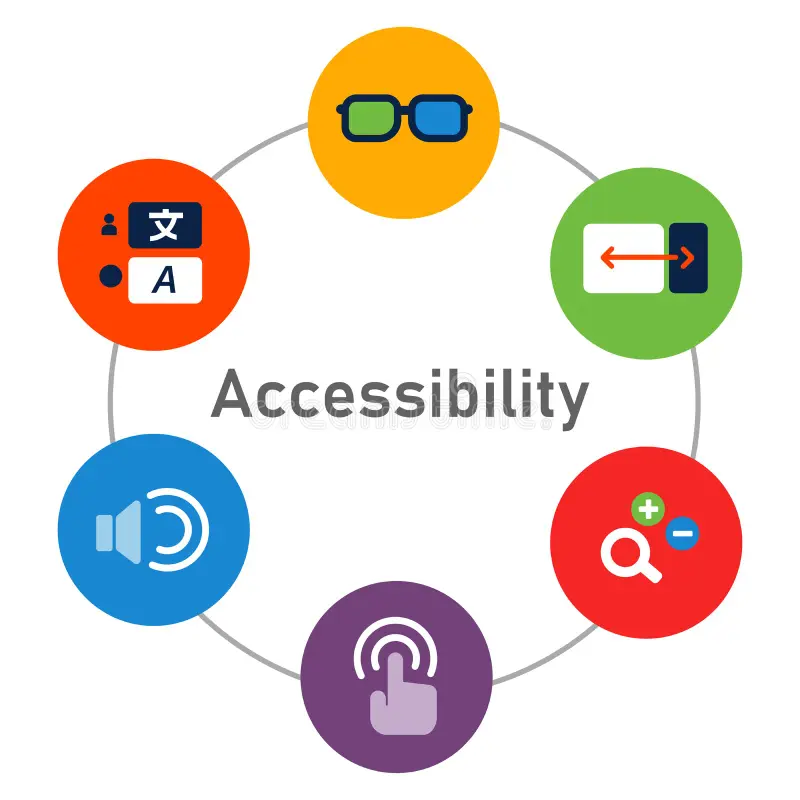
15% of the world's population lives with a disability. An inaccessible site means 1 billion people excluded. Beyond legal obligation, accessibility is an ethical and commercial imperative.
The 4 WCAG Principles (POUR)
1. Perceivable
Information must be presentable in ways that all users can perceive. Text alternatives, captions, sufficient contrast.
2. Operable
Interface must be keyboard accessible, without time limits, without causing seizures.
3. Understandable
Content and operation must be understandable. Clear language, predictable behaviors.
4. Robust
Content must be interpretable by current and future assistive technologies.
Contrast & Colors
Minimum Contrast Ratio
4.5:1 for normal text, 3:1 for large text (18px+ or 14px bold). Use DevTools or WebAIM Contrast Checker to verify.
Keyboard Navigation
- Tab: navigate to next element
- Shift + Tab: return to previous element
- Enter/Space: activate a button or link
- Arrows: navigate in menus, tabs, etc.
- Escape: close modals and menus
WCAG Conformance Levels
Minimum vital. Content accessible to assistive technologies.
Legal standard in most countries. Reasonable goal for all sites.
Excellence. Difficult to achieve globally, but some criteria are achievable.
Conclusion
Accessibility is not a bonus feature, it's a responsibility. Integrate it from design, test regularly, and don't hesitate to involve users with disabilities in your testing. An accessible site is a better site for everyone: easier mobile navigation, improved SEO, optimized user experience. It's a win-win.